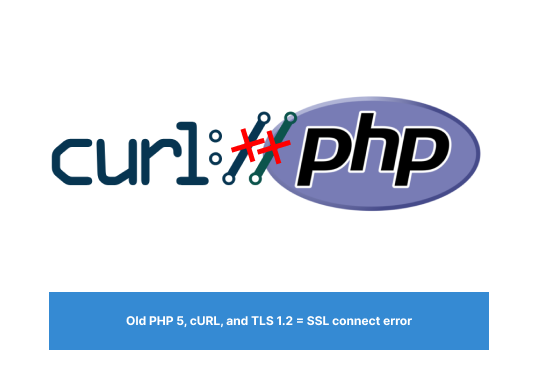
Old PHP 5, cURL, and TLS 1.2 = SSL connect error
You have good and old PHP projects that never crack, work well and you don’t have anything to worry about it. But you are using cURL to API connections, and suddenly receive the error:
SSL connect error
Immediately you think… it’ll be easy to fix. Just force cURL to ignore SSL checks:
...
CURLOPT_SSL_VERIFYPEER    => false,
CURLOPT_SSL_VERIFYHOST    => false,
...
Now, just relax and test:
SSL connect error
At that moment you start to be afraid about how to fix it. When you got an idea. Force the TLS version and cross your fingers to work
$ch = curl_init('https://google.com/');

//Force requsts to use TLS 1.2
curl_setopt ($ch, CURLOPT_SSLVERSION, 6);

$result = curl_exec($ch);
curl_close($ch);
And again :
SSL connect error
Ok, maybe now is a good time to start crying.
The solution
Keeping the jokes aside, what happens is the cURL can't really force the TLS even if set to ignore SSL or to use TLS version X.
On the other hand, could be impossible to update the infrastructure from some systems, furthermore if they are isolated and designed a long time ago using old versions of Apache and PHP.
But for our luck, we have stream_context 👏👏👏
The stream_context creates and returns a stream with any options supplied.
stream_context_create(?array $options = null, ?array $params = null): resource
Same as cURL, using stream context you can set headers, methods, and pass parameters. Like this :
$opts = array(
'http'=>array(
  'method'=>"GET",
  'header'=>"Accept-language: en\r\n" .
            "Cookie: foo=bar\r\n"
)
);

$context = stream_context_create($opts);

/* Sends an http request to www.example.com
 with additional headers shown above */
$fp = fopen('http://www.example.com', 'r', false, $context);
fpassthru($fp);
fclose($fp);
One reason why stream_context_create might work when cURL does not is thatstream_context_create may be more forgiving of server or network issues that can cause cURL to fail. For example, if a server certificate is invalid or expired, cURL may fail to connect, whereas stream_context_create may still establish a connection if the verify_peer option is set to false.
Wow, that was close!
Finally, we have a solution and I wanna share it with you. Maybe it can help you to sleep better :)
// Requiring TLS 1.2:
$ctx = stream_context_create([
  'ssl' => [
      'crypto_method' => STREAM_CRYPTO_METHOD_TLSv1_2_CLIENT
  ]
]);
$html = file_get_contents('https://google.com/', false, $ctx);
Hope it helps you!
Cheers, and let’s stay connected on Linkedin !