A partnership

BOOTCAMP
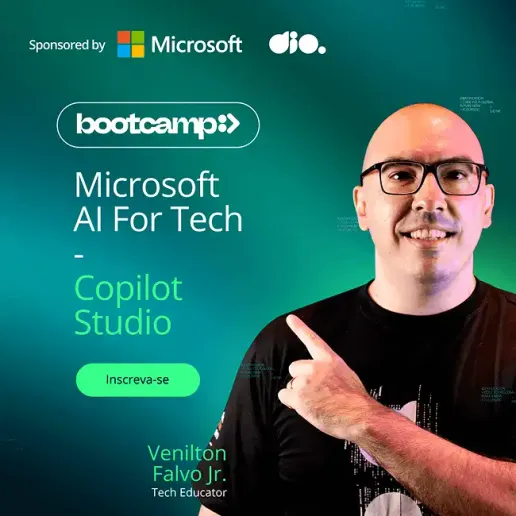
Microsoft AI for Tech - Copilot Studio
Develop custom AI agents and plugins with Microsoft Copilot Studio, creating intelligent chatbots and automating interactions efficiently. Manage events, integrate solutions with pre-built models, and accelerate your development with a low-code approach. Optimize the scalability of your solutions and make AI implementation more accessible, agile, and strategic.


4.5+
More than 3513 students have already secured their free scholarship. Enroll now and guarantee your spot.
I already have an account. Log in.
0
Hours of content certified
0
Projects for your portfolio
0
Code challenge
The World of Innovation
Continuous Advancement
Keep evolving in your professional journey, more efficiently and attracting more attention from recruiters.
Opportunities
Master the best survival kit of Copilot tools to use the most important AIs of the moment in your daily life with Machine Learning, Natural Language Processing (NLP), and Computer Vision.
Comprehensive Learning Environment
Through the Bootcamp, you will have access to an incredible and complete educational immersion with courses, challenges (hands-on!), and mentoring on the DIO platform.
What You Will Learn

Evolve Skills
Study trending technologies, tools, and libraries worldwide.

Mentorship
Learn from renowned experts in live sessions.

Practical Challenges
Practice what you've learned and highlight your portfolio with practical projects.

Copilot Studio
Create custom plugins, manage chatbot events, and power efficient, optimized conversation flows tailored to different needs based on relevant data for your context.
The Differentiators That Take You Further
Learn how to use Microsoft Copilot Studio to develop an assistant that helps create efficient systems faster and with fewer resources.
Design tailored conversation flows and customize your Copilot for specific needs using Microsoft Copilot Studio.
Understand the core concepts and importance of actions in workflow automation.
- 1Register yourself.
- 2Join live mentorship sessions with top market experts.
- 3Network and learn within a community.
- 4Practice with code challenges.
- 5Build your portfolio with practical projects.
Have your profile highlighted in Talent Match with real hiring opportunities.
YOUR NAME - Low-code Developer
yourname@email.com.br(12) 3 4564-8910
DIO certification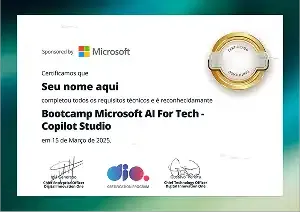
Skills
ProjectsCreating Your First Copilot in Microsoft Copilot StudioBuilding a Copilot with a Custom Conversation Flow in Microsoft Copilot Studio
Feedback Selection ProcessHired
Who is this Bootcamp Recommended For?

Profile
Developers & software engineers interested in building custom copilots and integrating AI into their applications. IT professionals looking to implement and manage AI solutions in their organizations. AI & chatbot enthusiasts eager to explore the potential of generative AI. Low-code users seeking to develop solutions without advanced programming skills.

Vacancies
Have your profile available for opportunities in one of the most sought-after areas by DIO partner companies in Talent Match and add this certificate to gain prominence.

Career
Prepare for upcoming opportunities and succeed in recruitment interviews.